Pickit.
Digital assets, where work happens.
2015—2022SOFTWARE / SAAS

DAM smart.
DAM simple™.
From image library
to connected platform.
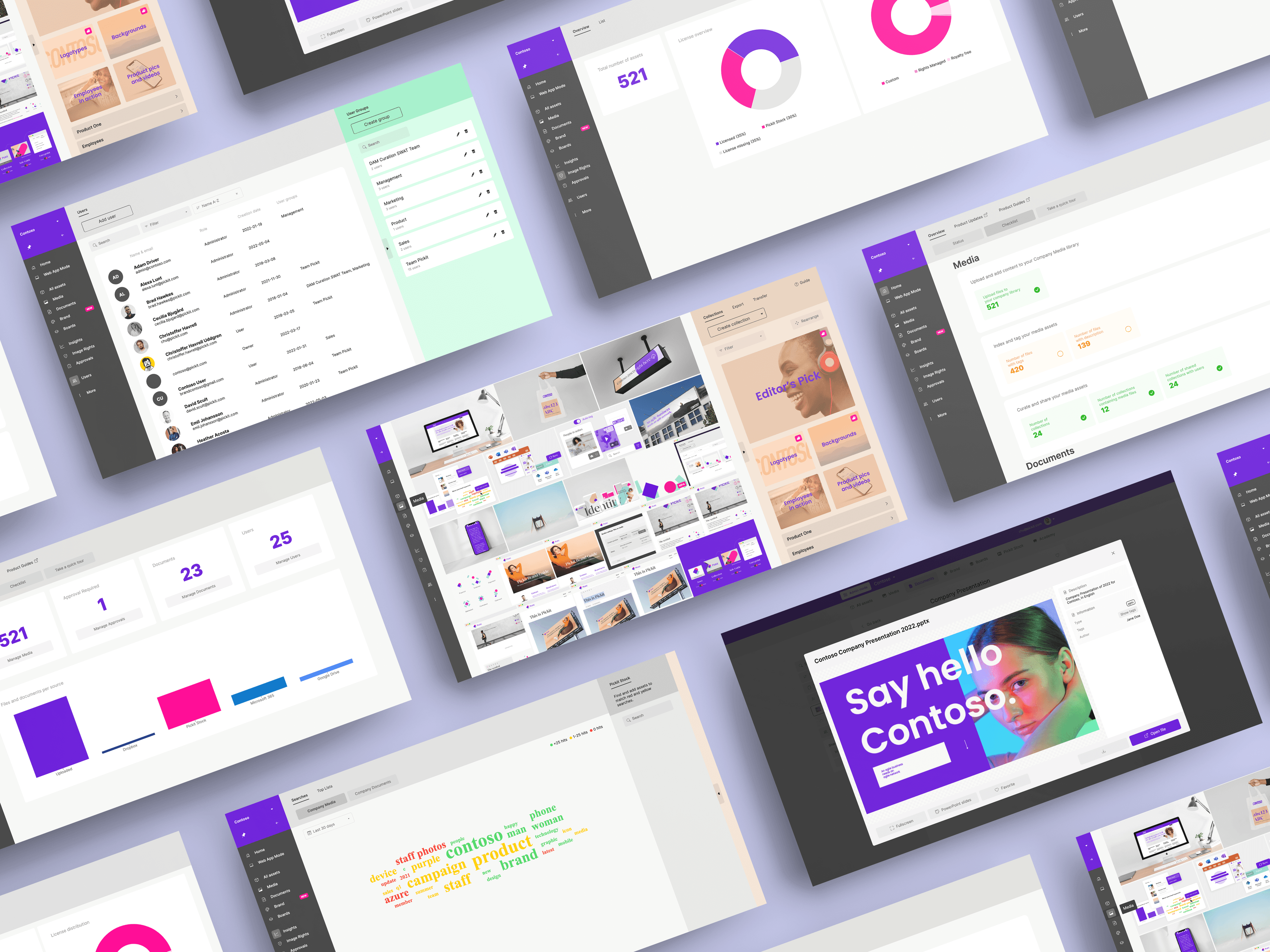
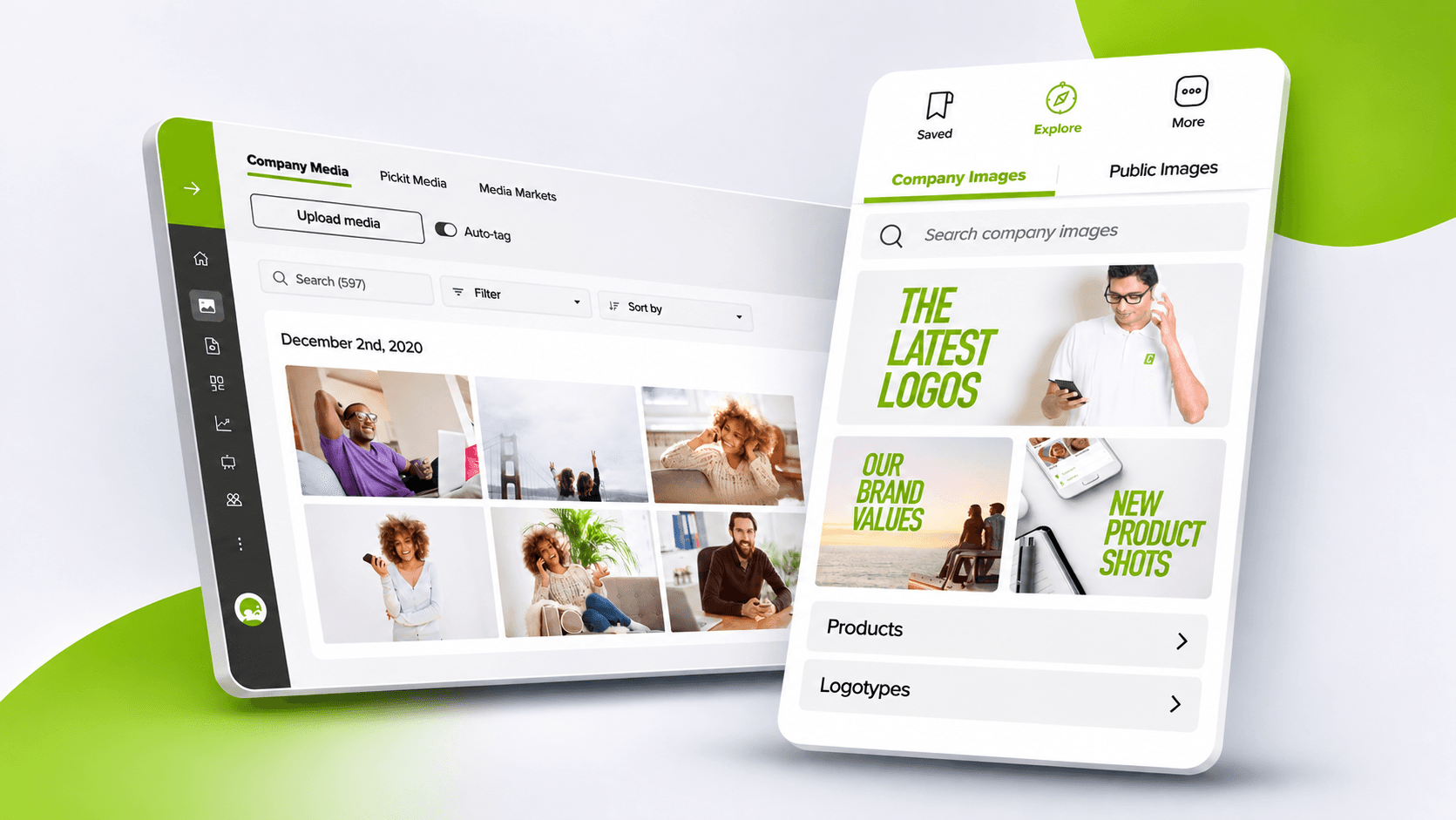
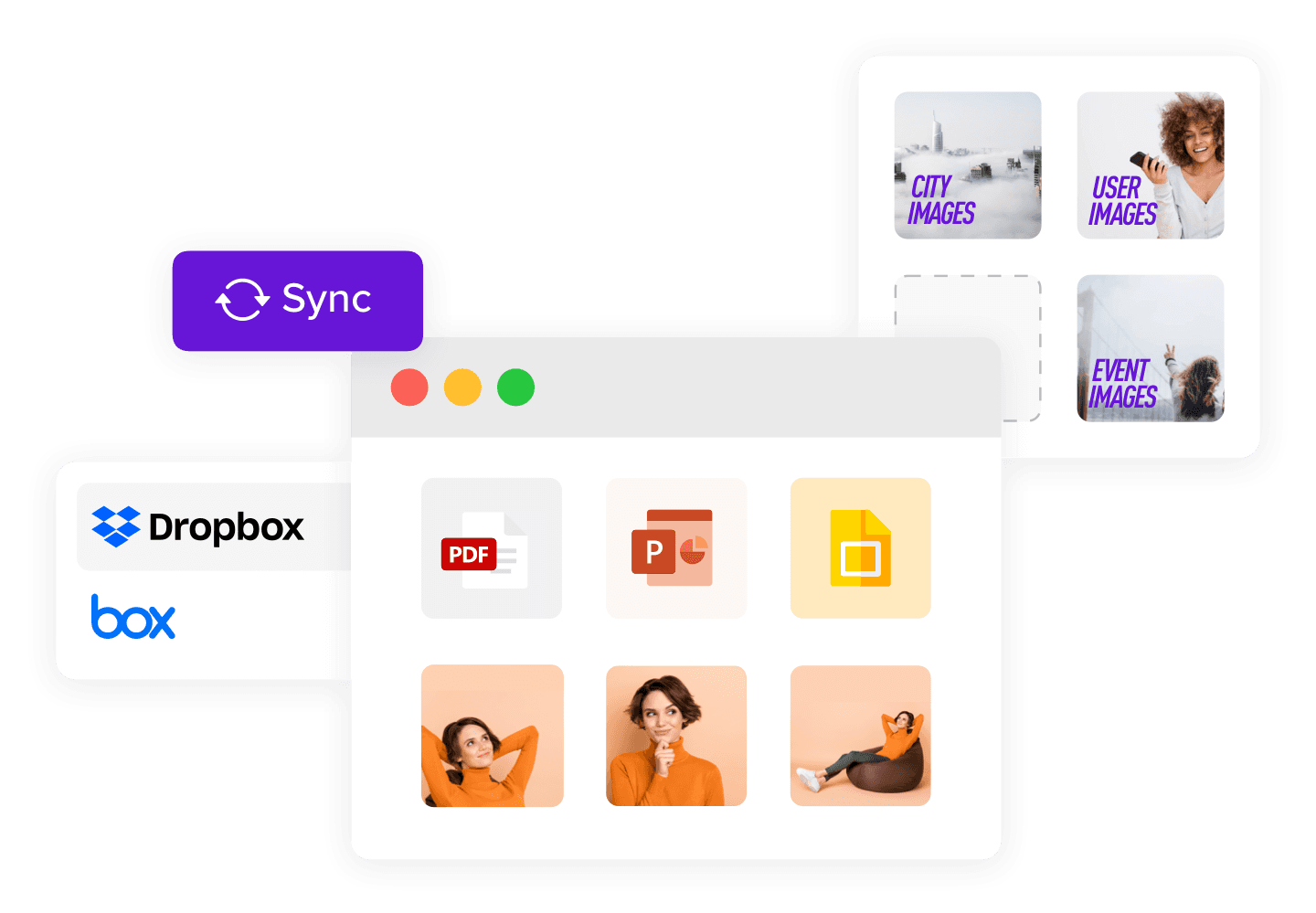
During my time at Pickit, the service evolved from an image-sharing and stock-library offering into a web-based Digital Asset Management (DAM) platform. The product brought media, files and brand assets together so teams could find, organize and distribute them more easily.
My work as a visual designer spanned product interfaces and their surrounding visual communication, from application experiences to reusable graphics and marketing assets.
Complex systems.
Clearer interaction.
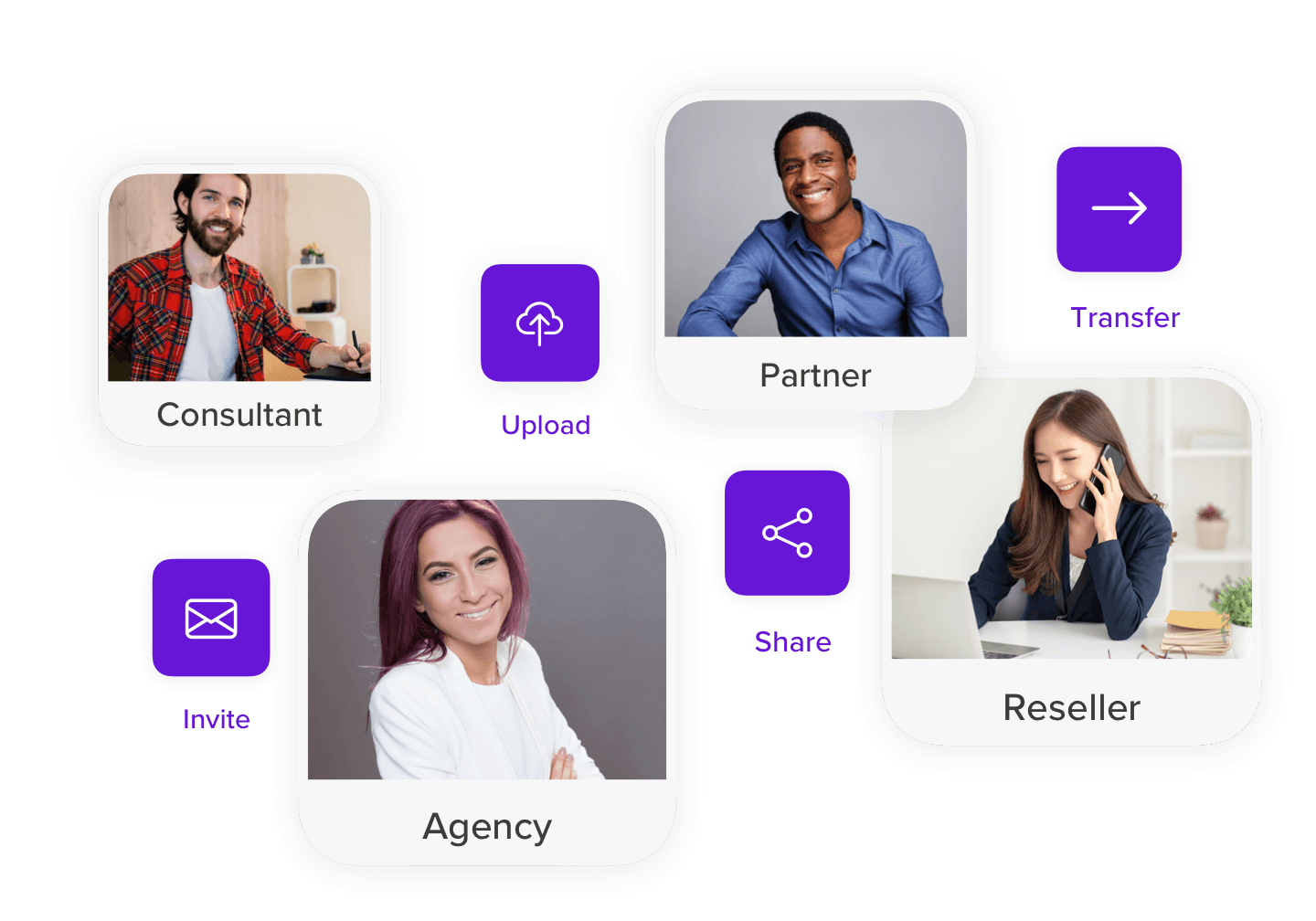
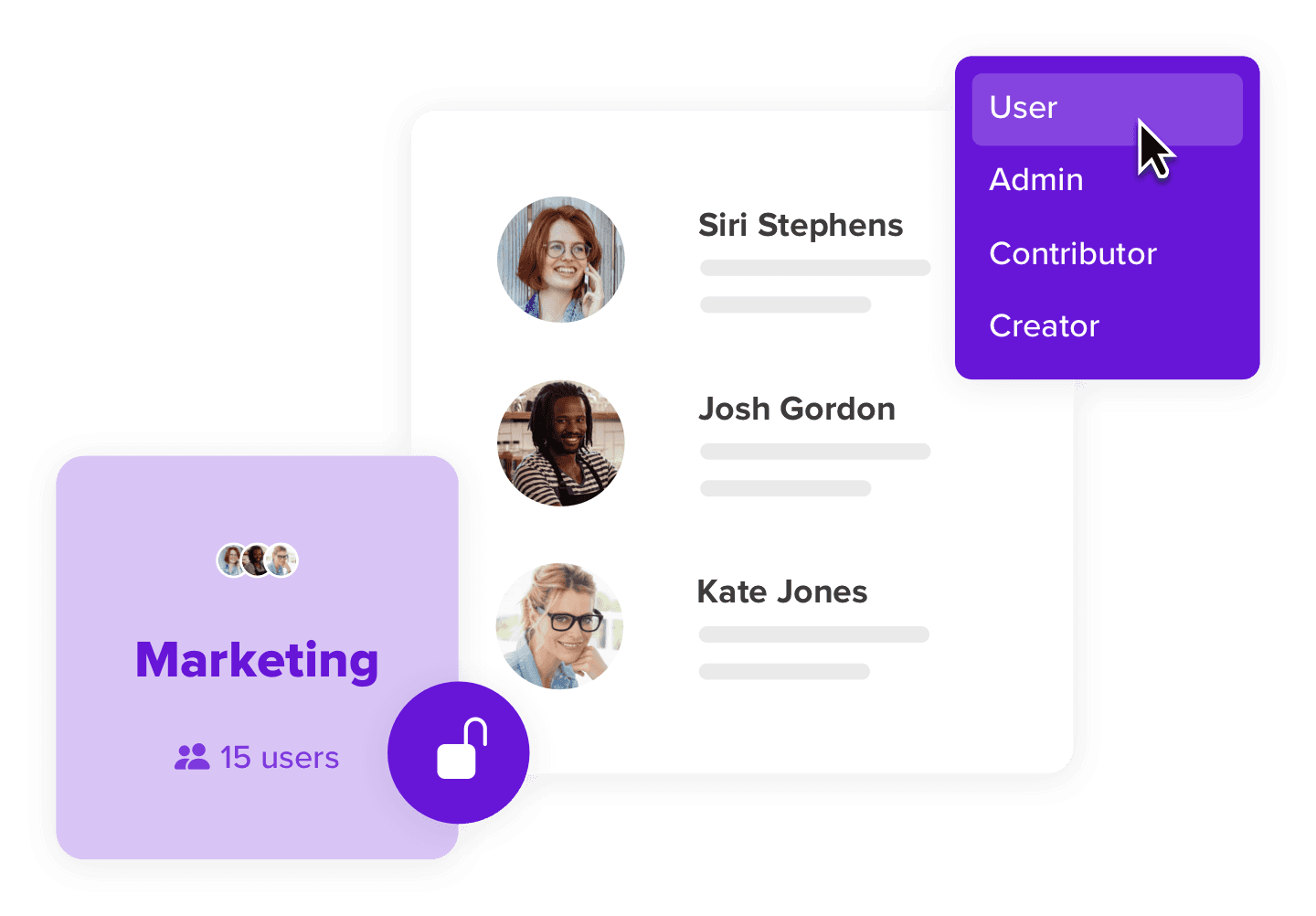
The product distinguished between tools for administrators managing the library and a simpler experience for the people finding and using its content.
Bring assets
into the flow.
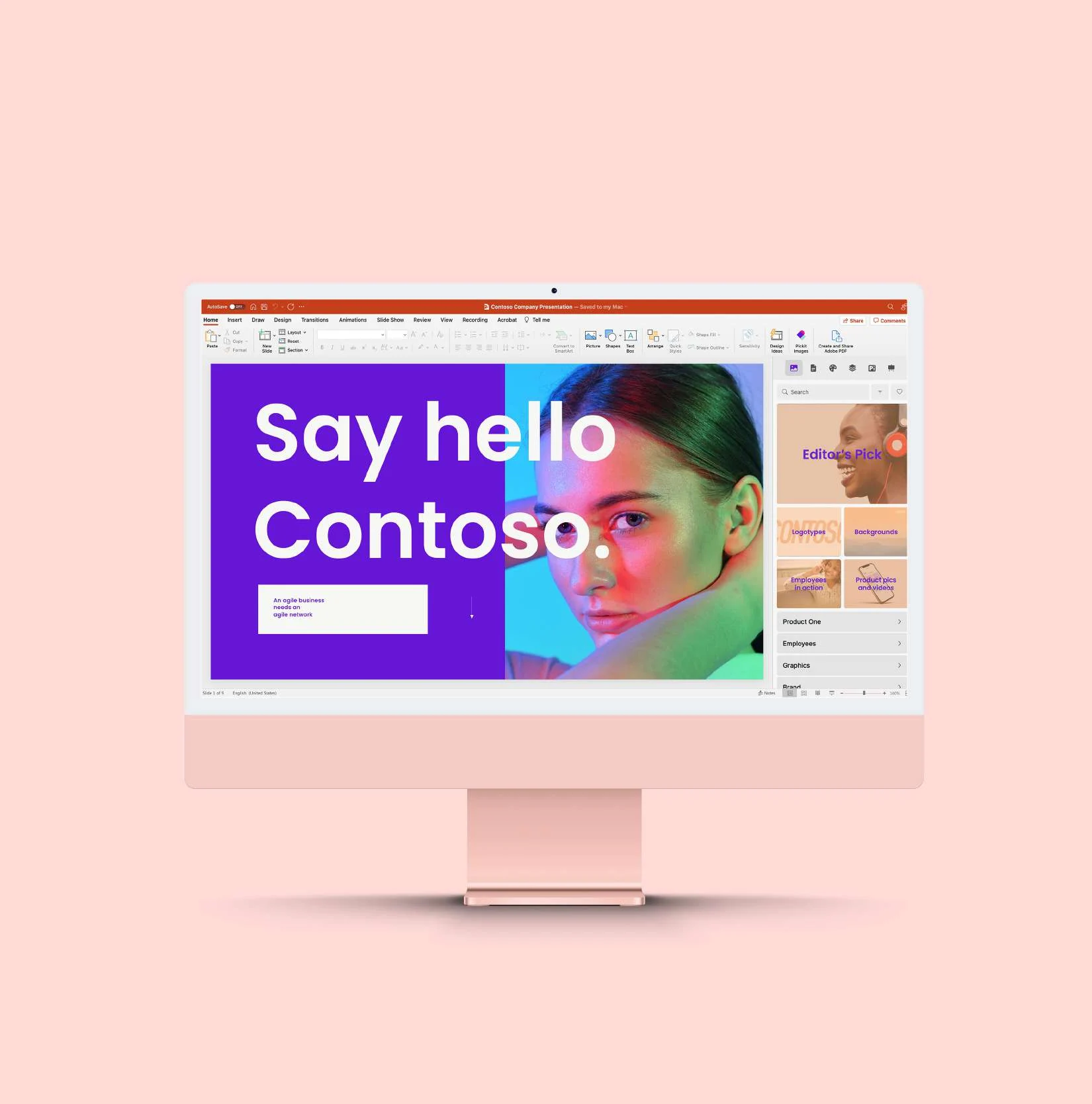
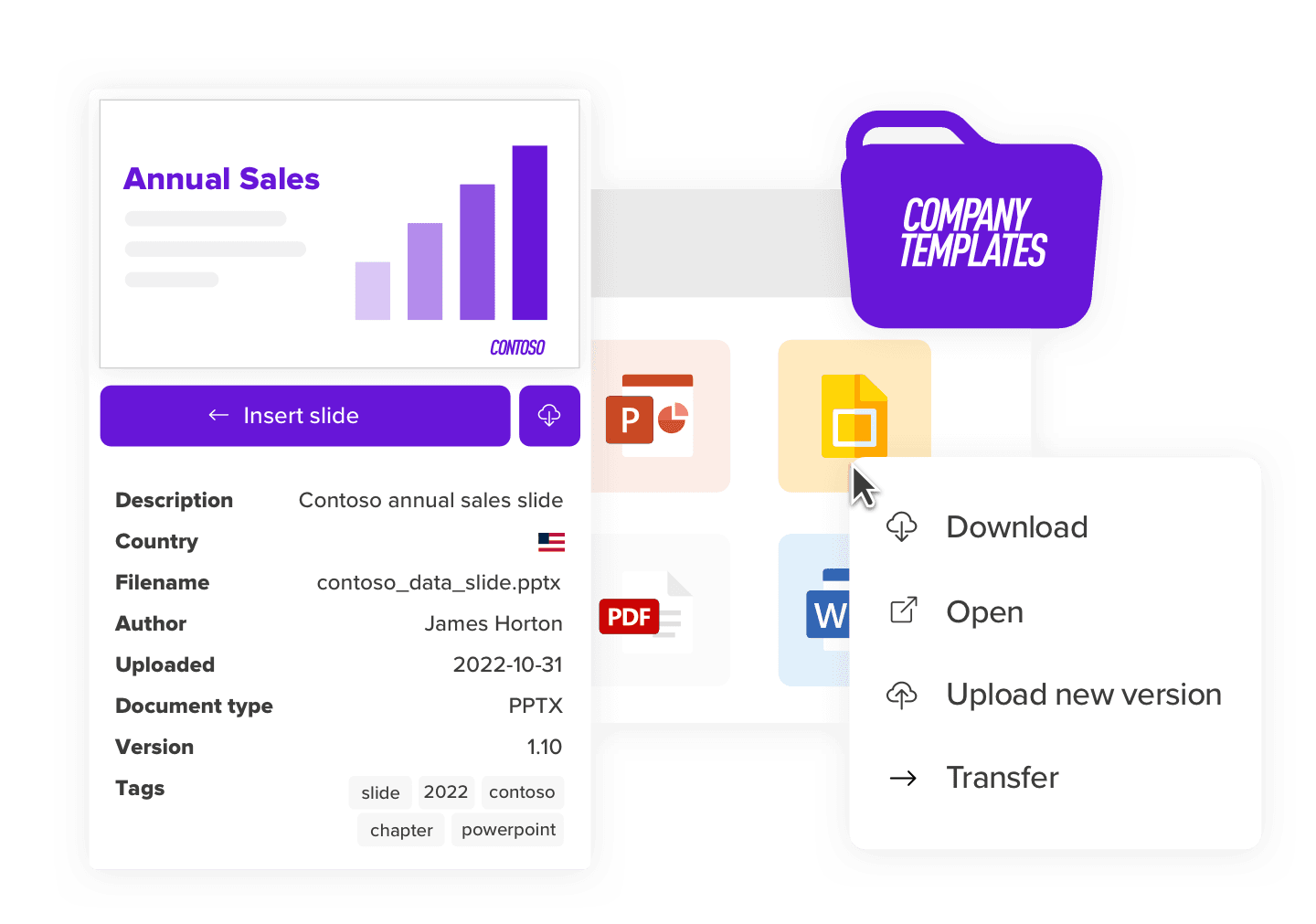
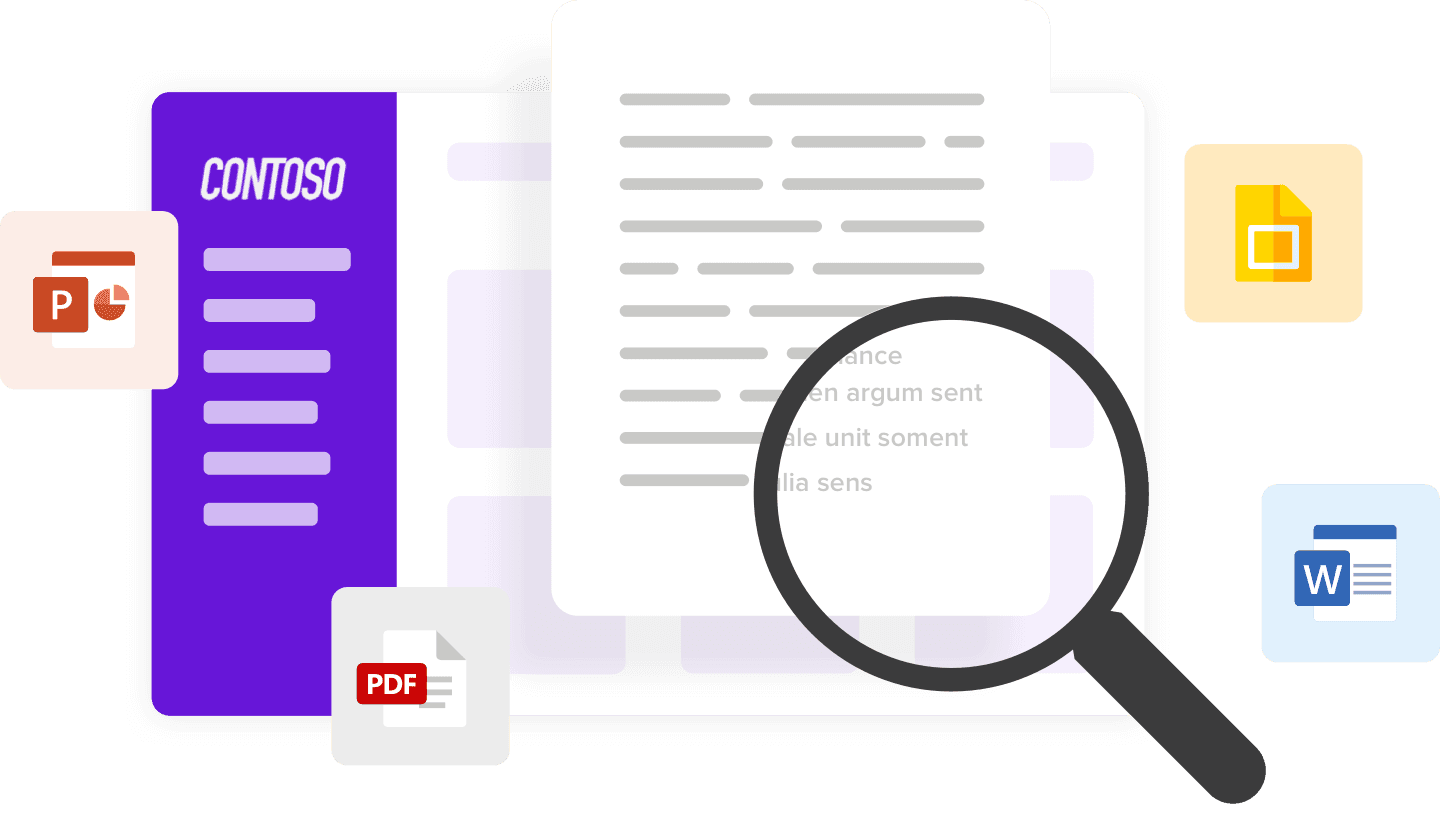
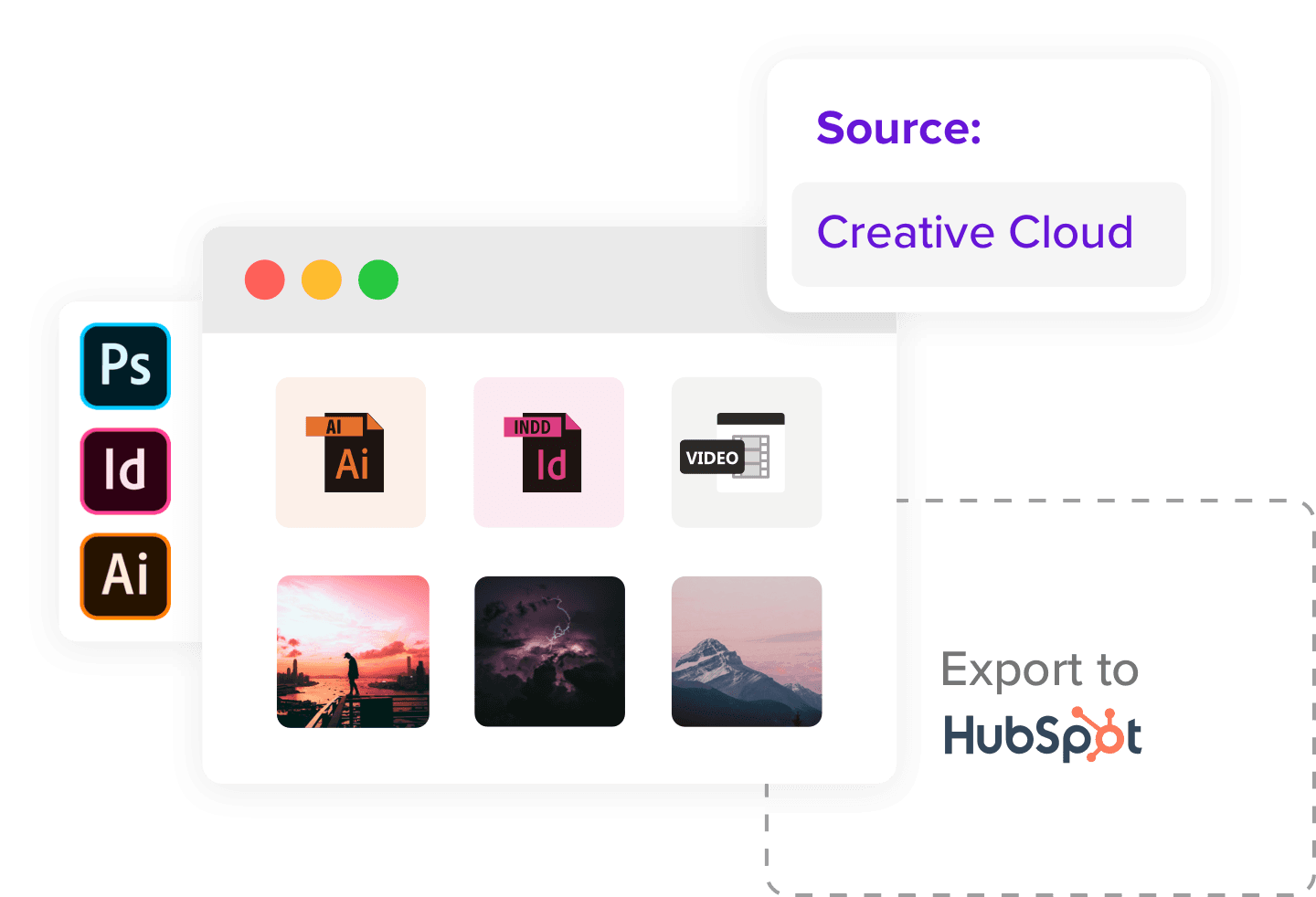
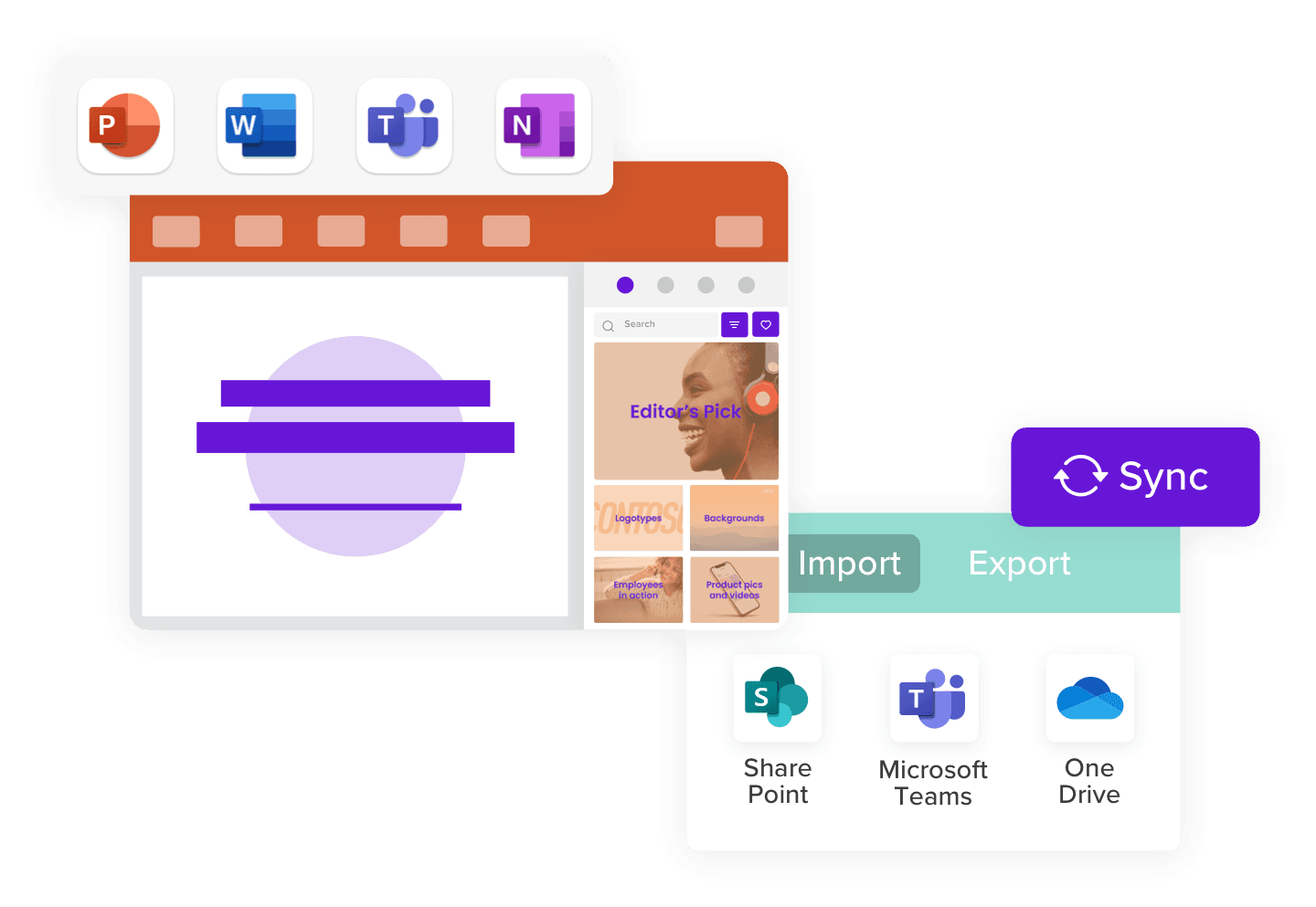
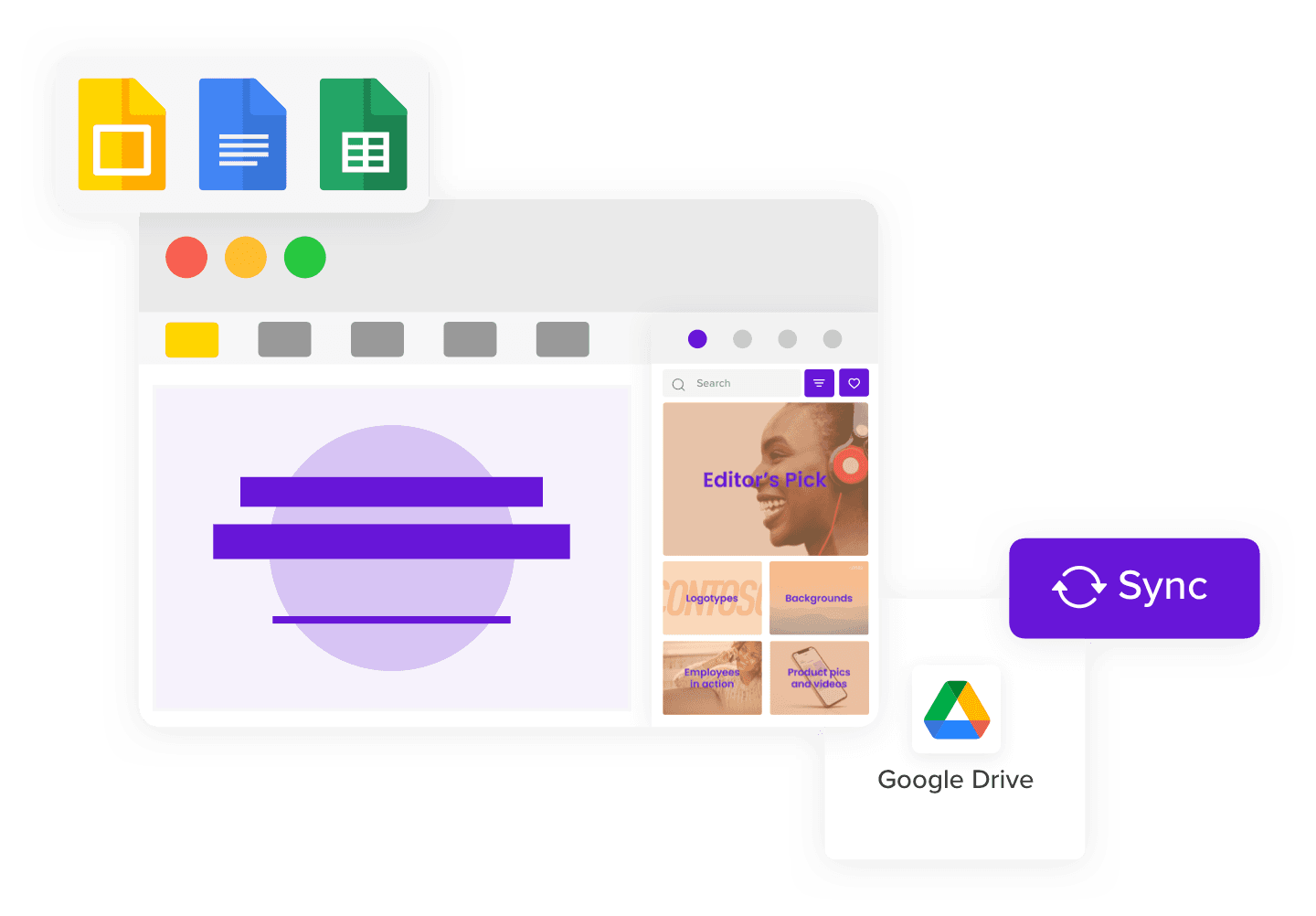
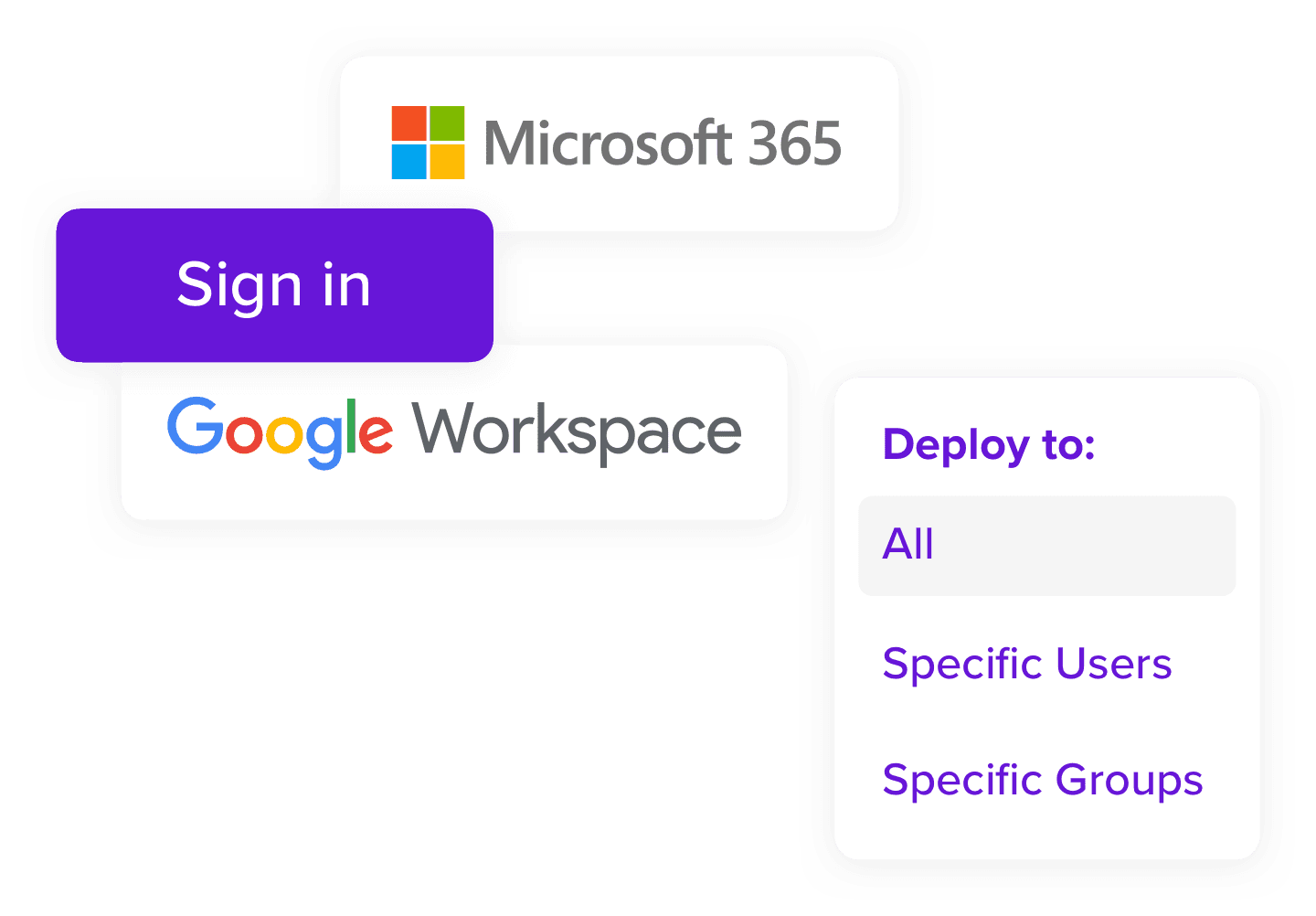
Pickit extended into Microsoft Office and Google Workspace, giving people access to approved files, media and templates without leaving the applications they used.
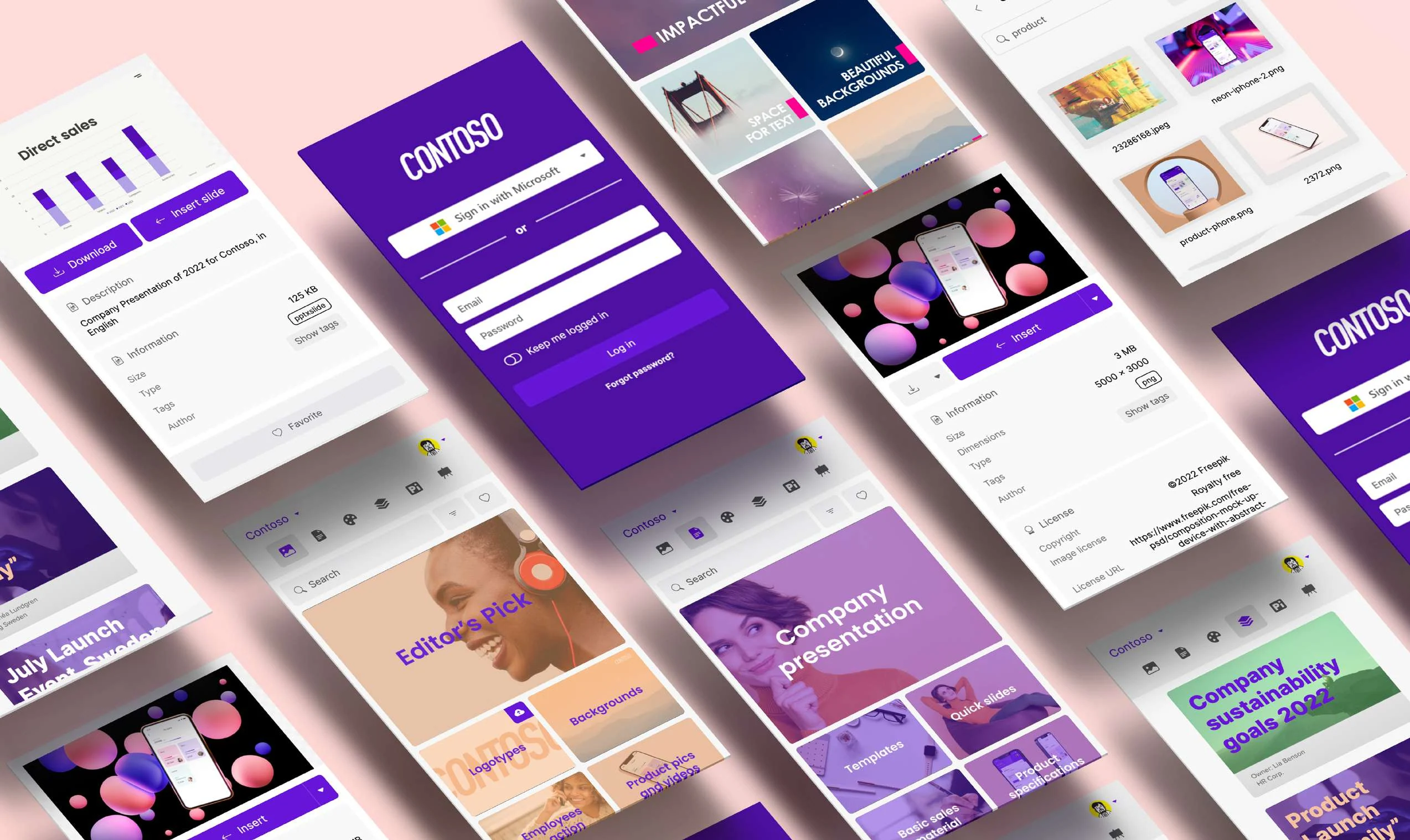
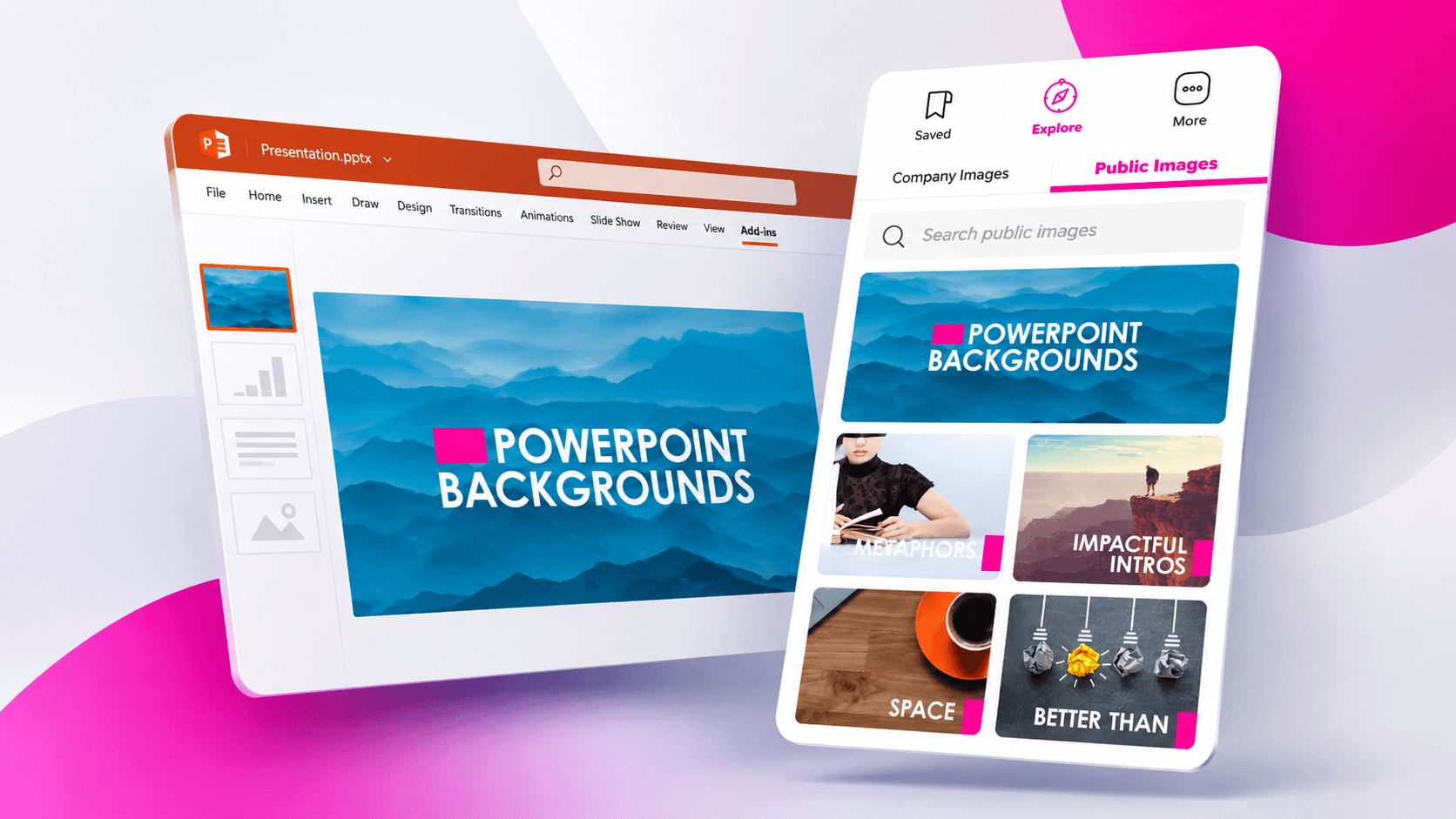
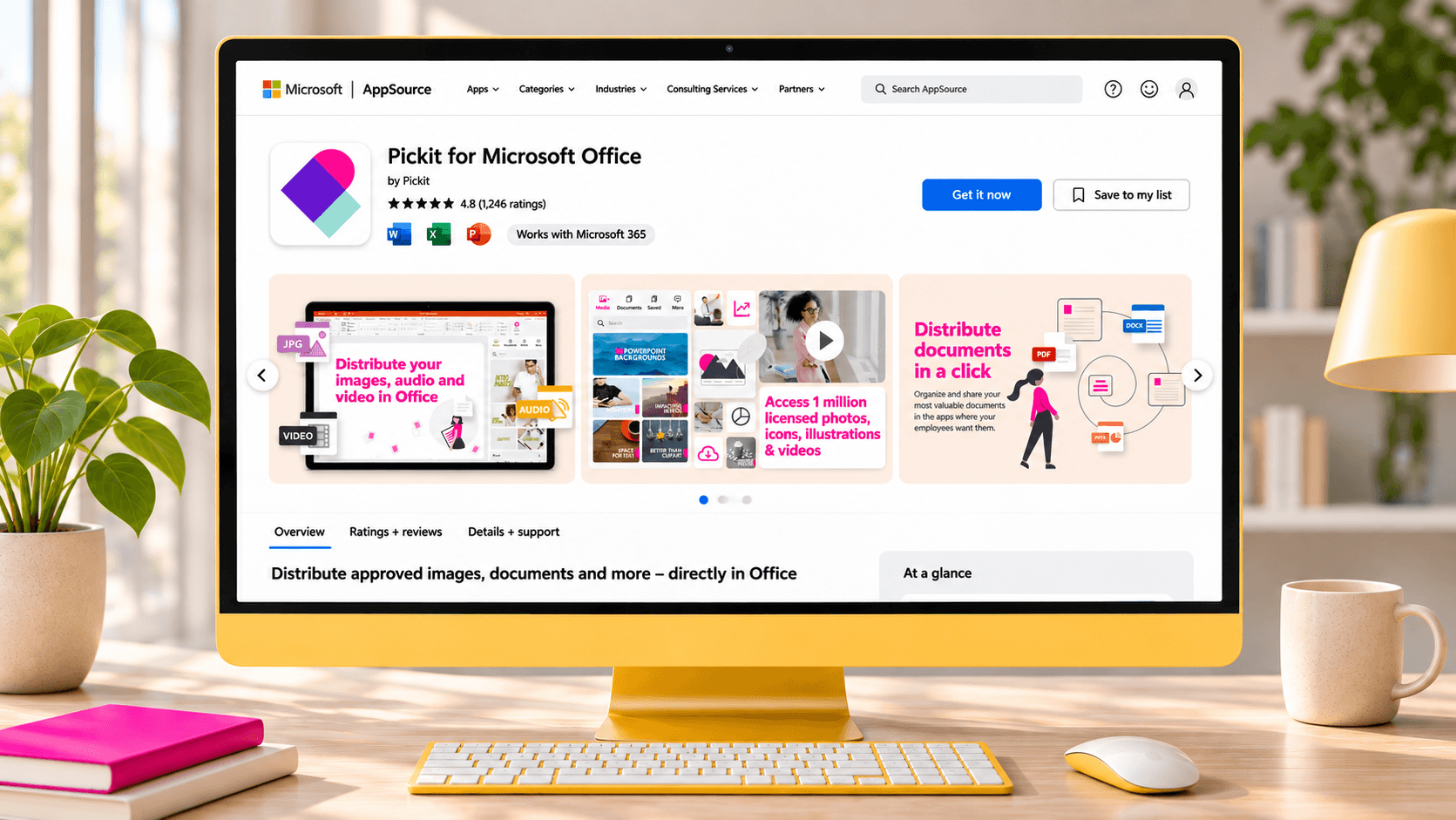
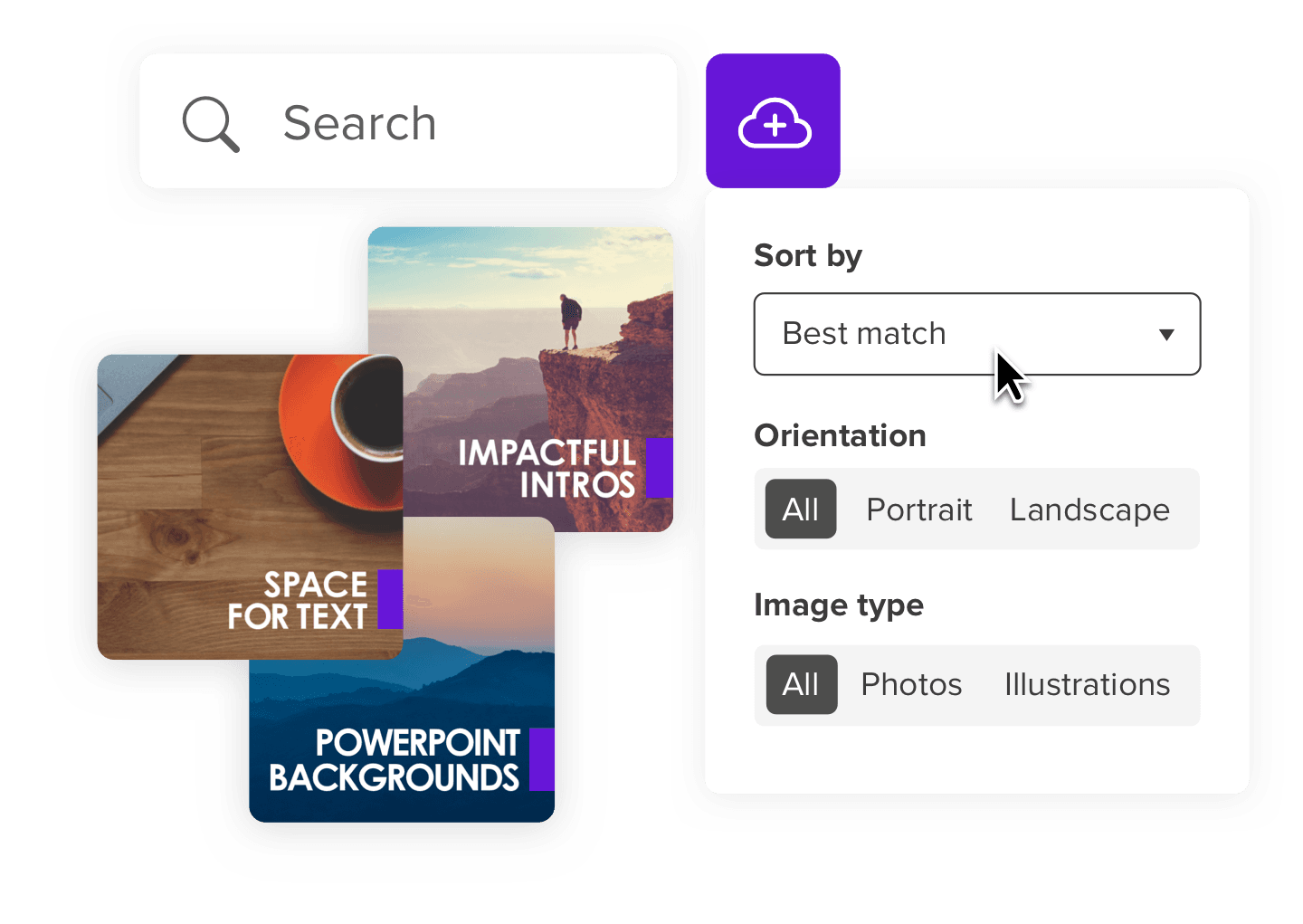
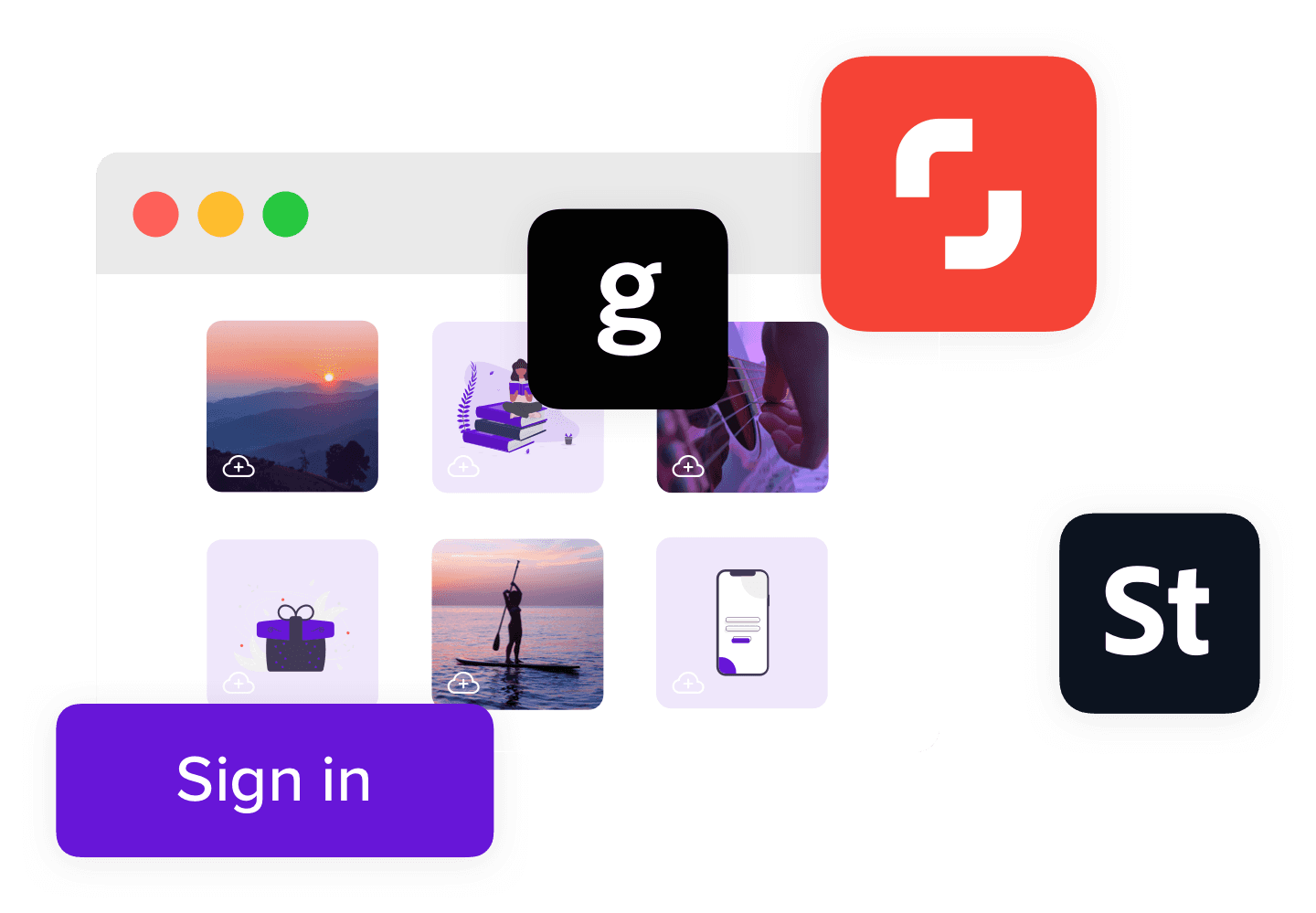
The original work also included access to brand guidance, a selectable stock image library and a learning section called Pickit Academy.
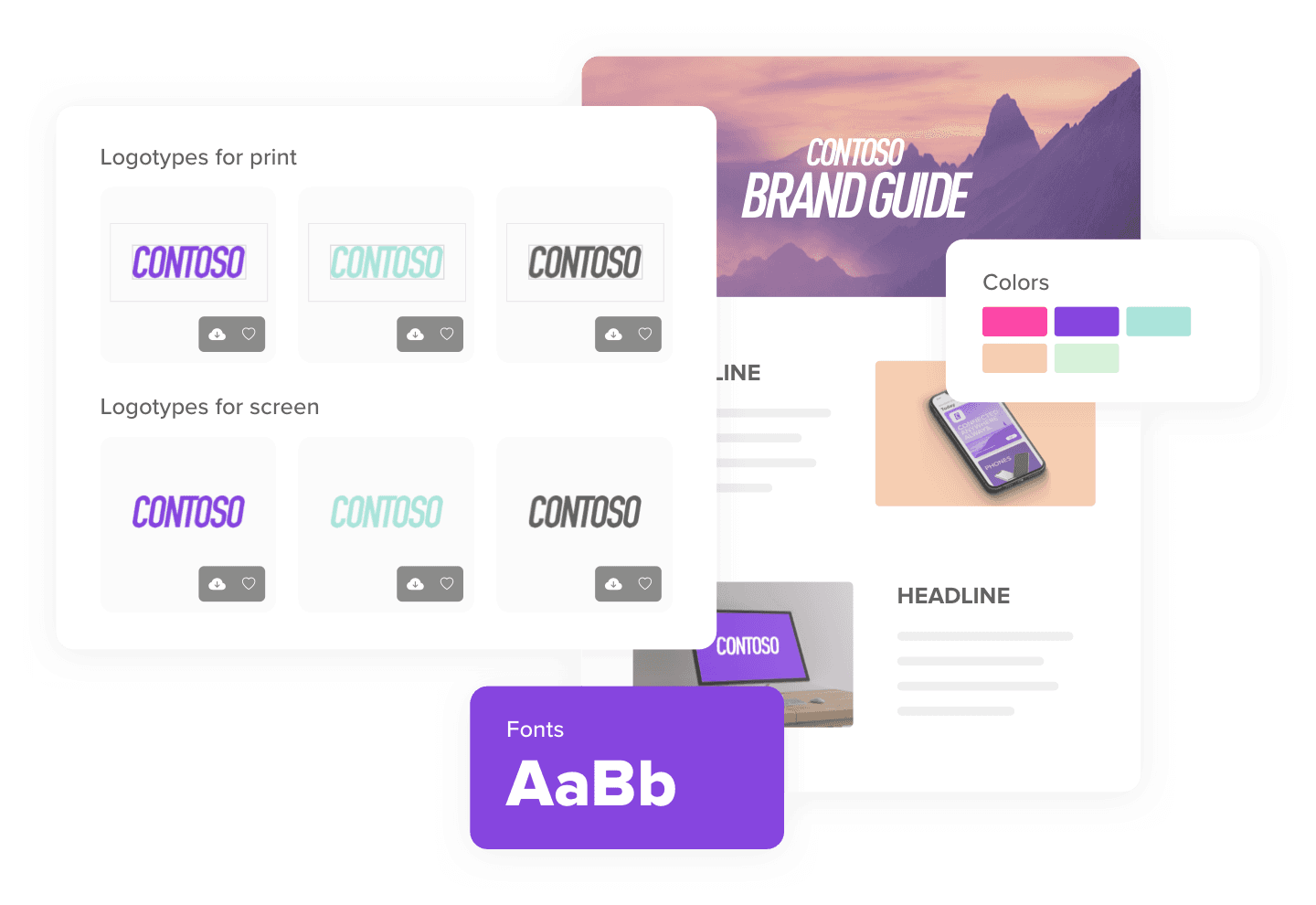
Brand guidance
at hand.
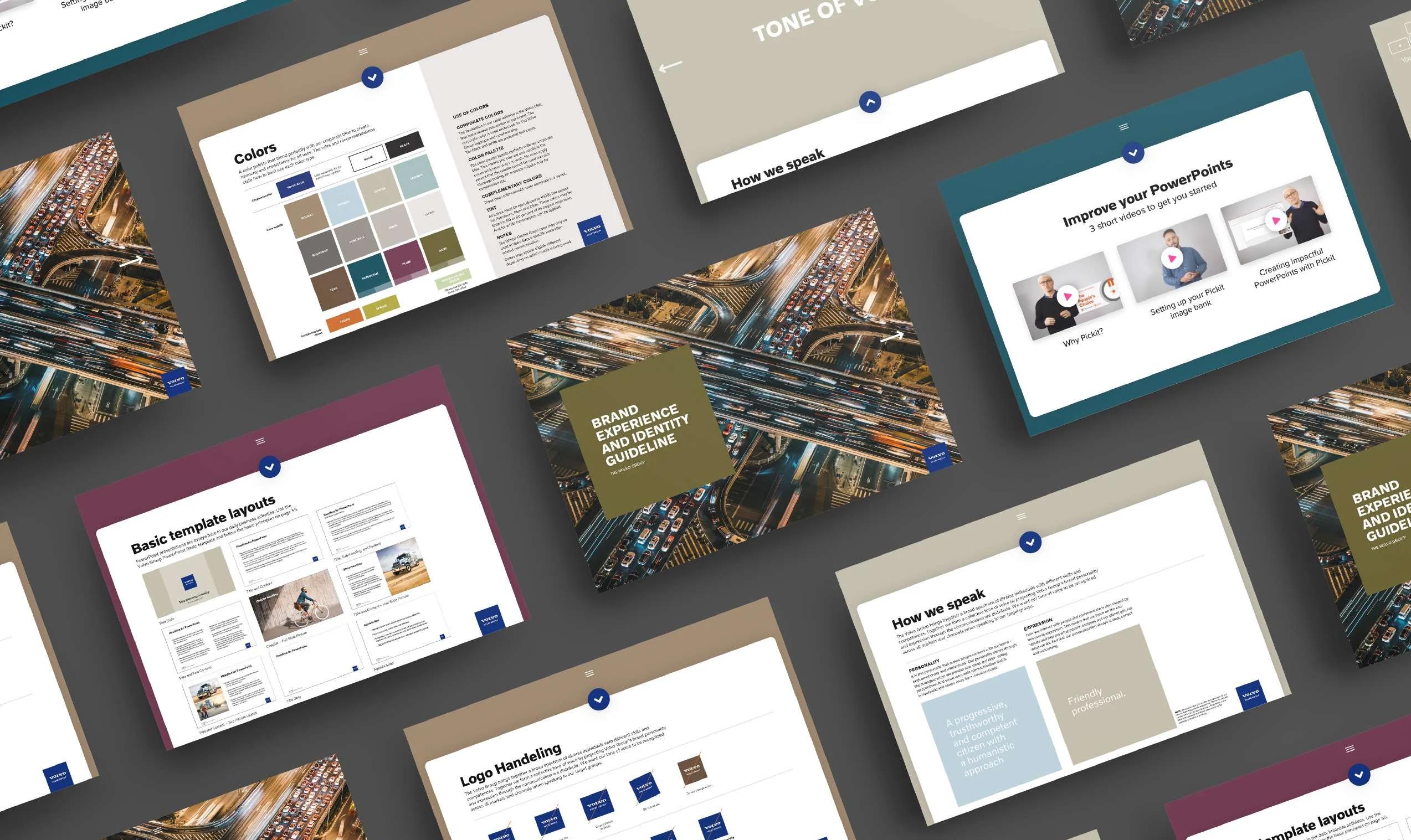
The portfolio documents a Pickit collaboration with Volvo Group that brought a compact version of its brand guidelines into Office, making relevant guidance available in the same environment as the work.
INTEGRATED BRAND GUIDE
One product.
A recognizable voice.
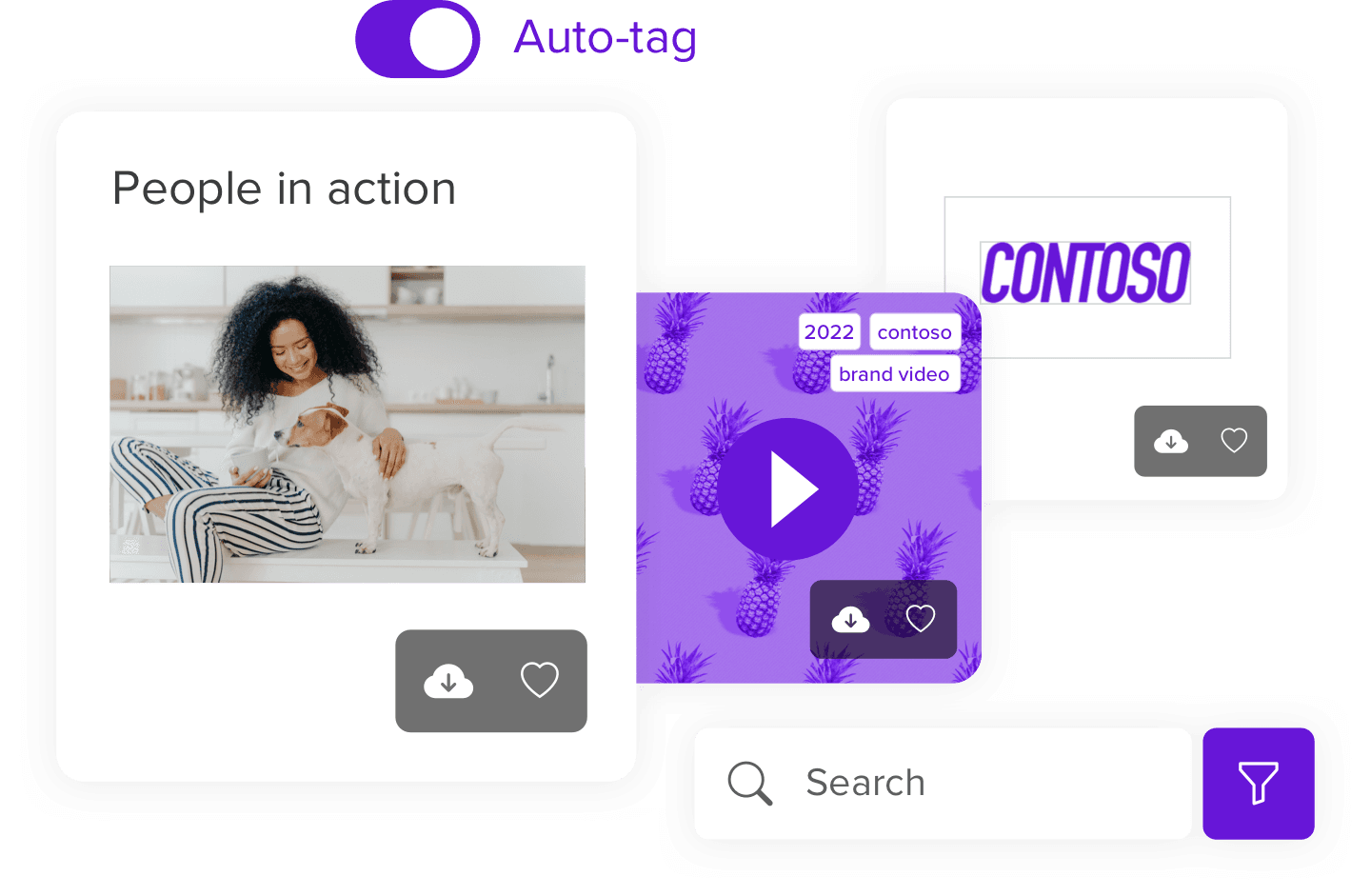
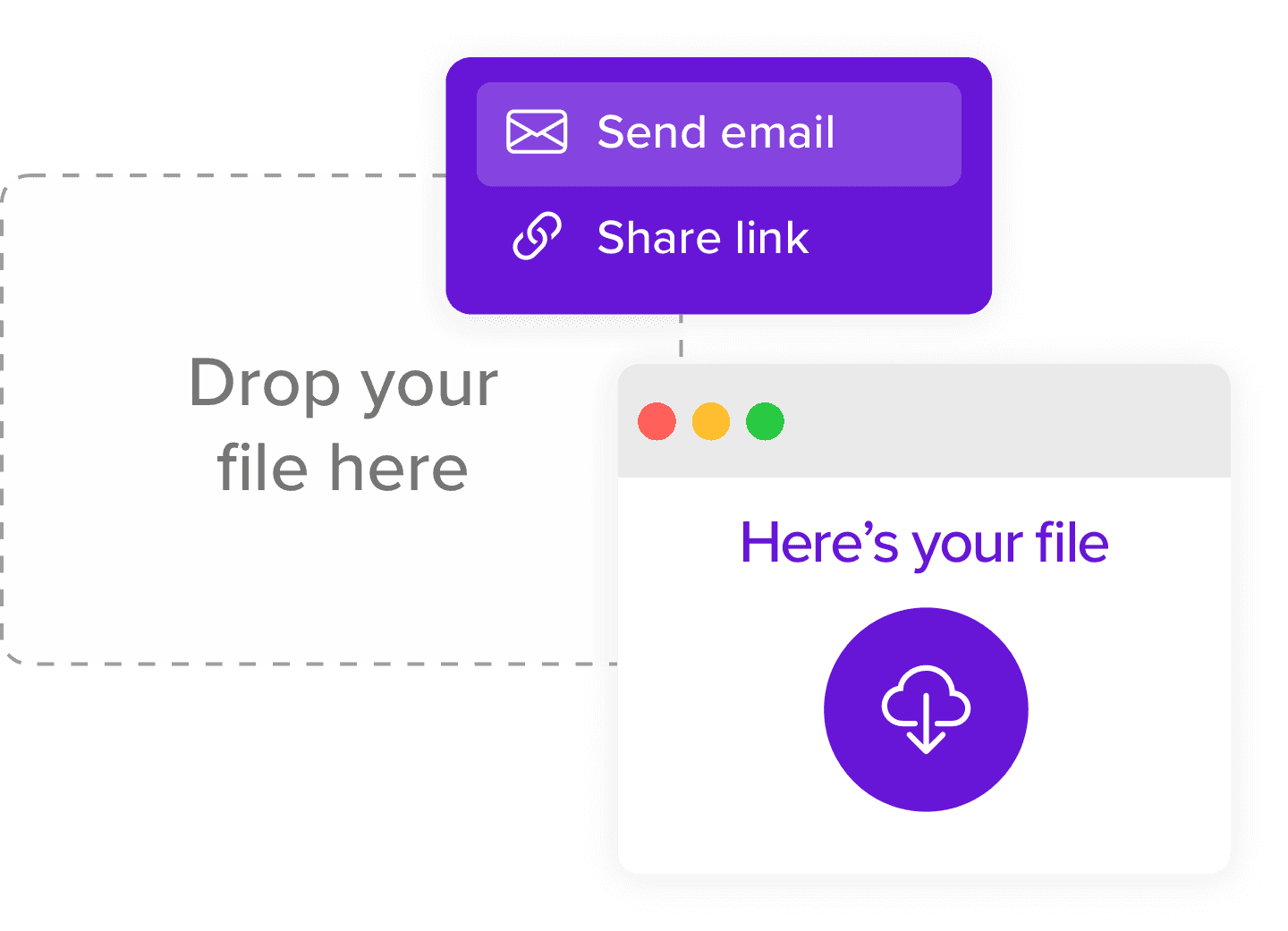
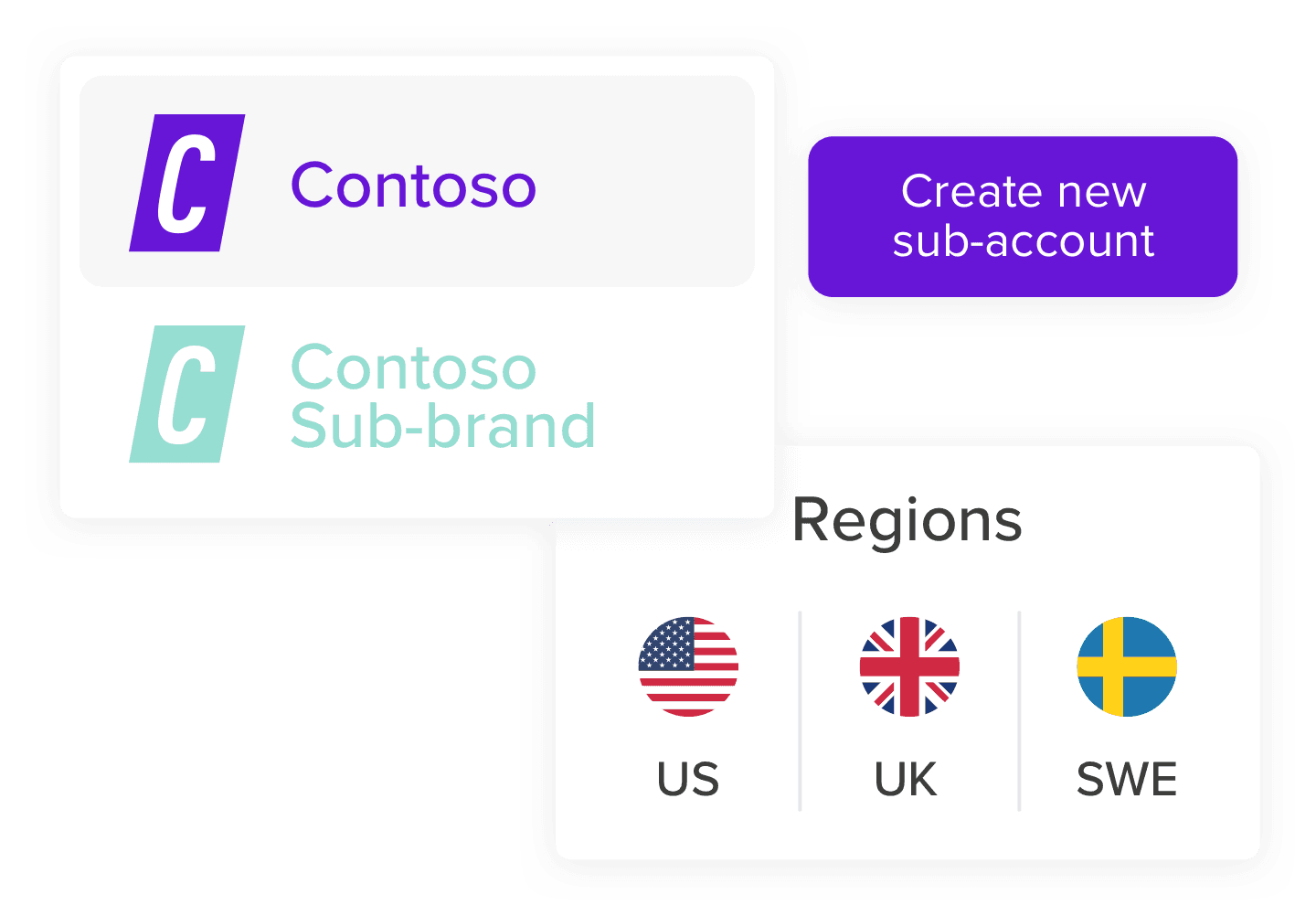
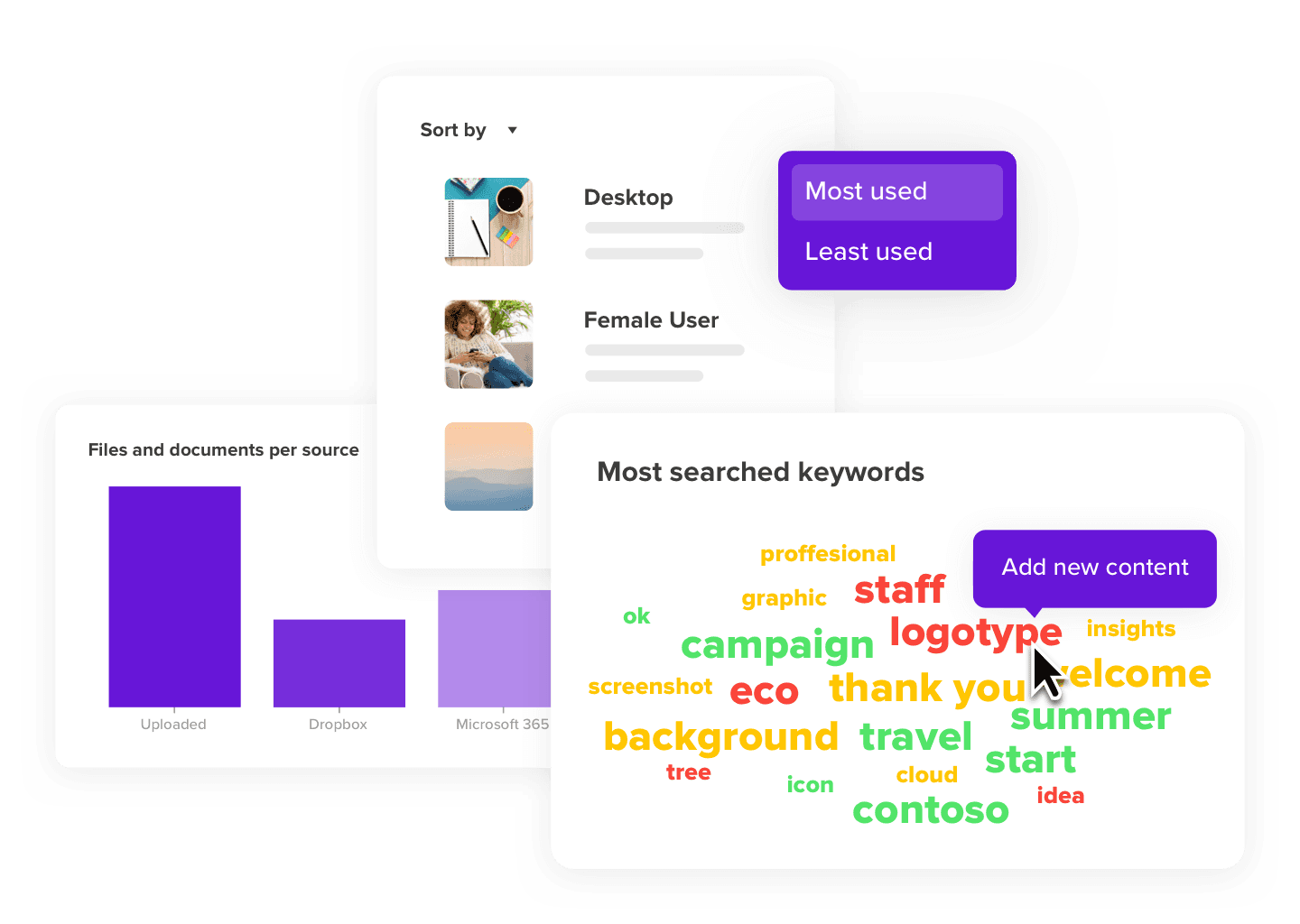
Visual templates, product illustrations and practical guidelines helped the platform's features and stories feel like part of one wider system.
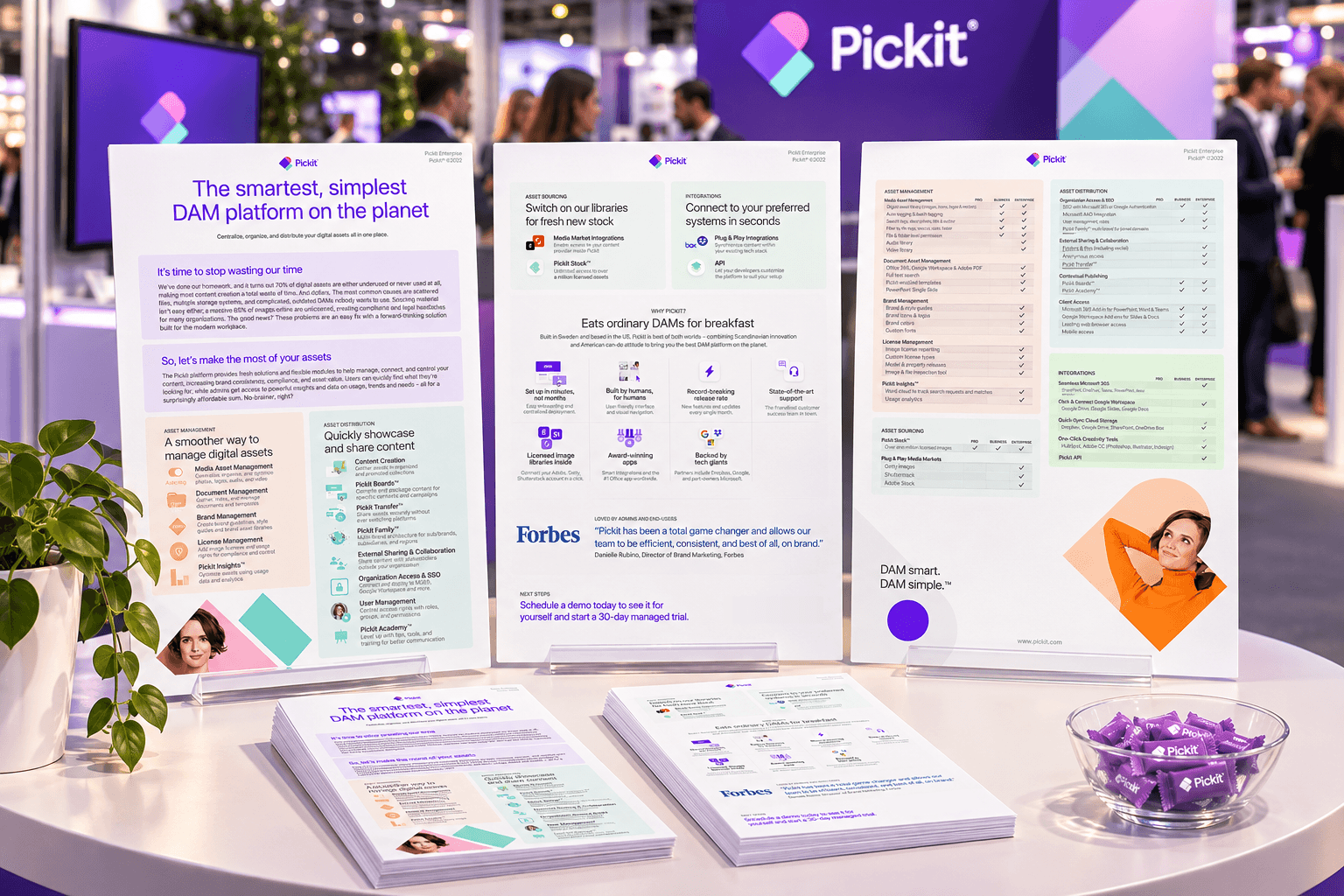

Product illustrations
A product
in motion.
In 2017, the Pickit add-in let people browse licensed images alongside their presentation in Microsoft Office 365.

Design across the
entire experience.
Pickit brought together product interfaces, integrations and visual communication. This collection documents design work from 2015–2022; it is not a representation of Pickit's current product, and no unverified performance results are claimed.
BACK TO SELECTED WORK